After writing this article, I took a short break. Then, I continued my exploration.
This time, I wanted to check the Recent Changes page. I wanted to see which other Wikidata contributors were online and what they were busy working on.
Suddenly, I noticed another Wikidata user, a fellow countryman, adding a statement to a local TV series item. I immediately thanked them for the edit, then joined them in editing that particular item.
Anyway, I really love the “thank” button across Wikimedia projects. Interactions on these platforms are often dominated by conflict and war. Having such a small yet positive gesture implemented as this neat feature is quite a breath of fresh air amid all the endless toxicity.
Alright. To add new statements about TV series, I needed a “model item” to use as a template. This is how I usually operate on Wikidata. Whenever I want to add something, I first consult a more popular item in a similar category. Usually, the data model, ontology, and properties used in that popular item are relatively complete. I can simply follow the established example.
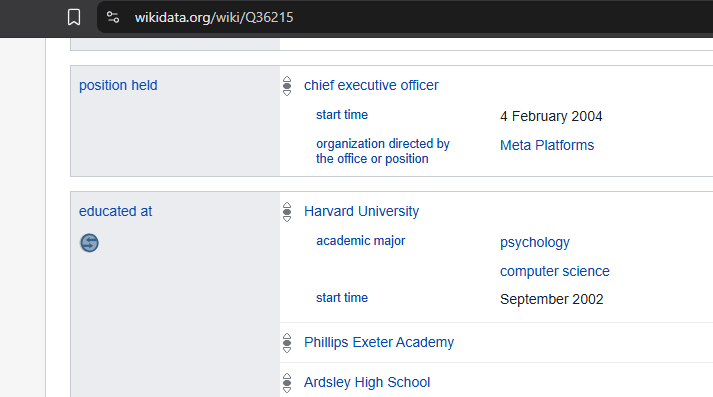
For example, if I want to add details about an obscure third-tier local football club, I first consult the Manchester United item on Wikidata. I pay particular attention to the properties used and the kinds of information that can potentially be added to the item.
For local TV series, I consulted several popular TV series that I knew. People usually call them “the big three”: Q25929253, Q710324, and Q5362638.
To search them quickly, I used a tool that I developed myself during a Wikimedia hackathon : https://wdlite.toolforge.org/
Thank goodness, that app is still online and accessible.
From there, I looked for missing information: properties already present in the big three but not yet listed on the local TV series item I was editing.
Ah, here we go: P136 — genre.
But what actually constitutes a genre? I have no idea either.
So, I did the same thing I did with P101 — field of work — using exactly the procedure I had already explained in the previous post. Here is the result: https://altilunium.github.io/util/wd-genre/rand/
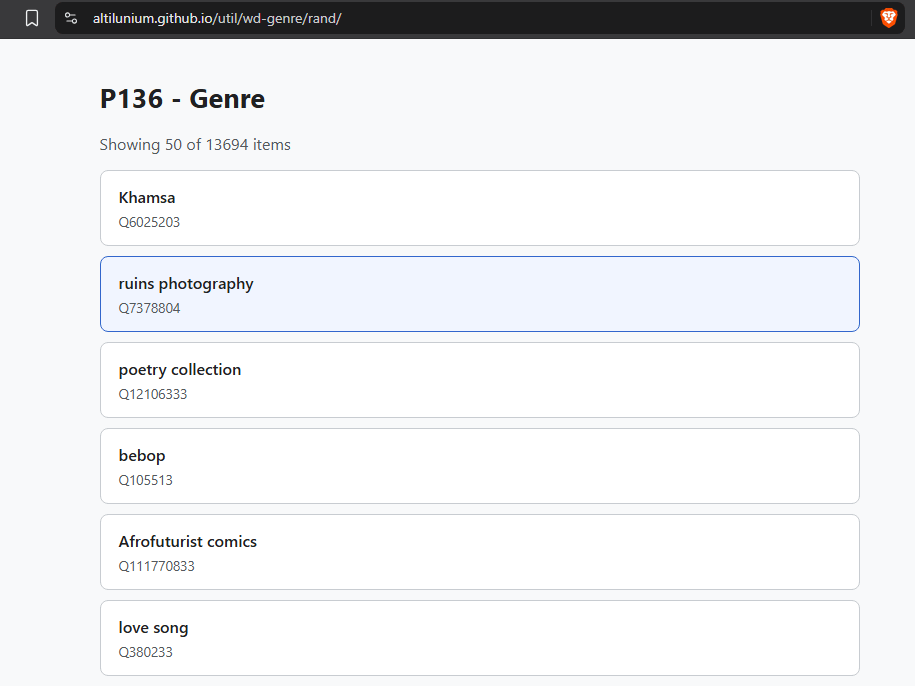
However, browsing random, obscure genres like this did not really help much. I needed a different approach.
What if I simply sorted these genres by their relative “popularity” on Wikidata? The more items linked to a genre, the more widely it is used in the database.
So, I wrote another QLever query.
SELECT ?item ?itemLabel ?totalAppearances WHERE {
  {
    SELECT ?item (COUNT(?subject) AS ?totalAppearances) WHERE {
      ?subject <http://www.wikidata.org/prop/direct/P136> ?item .
    }
    GROUP BY ?item
  }

  OPTIONAL {
    ?item <http://www.w3.org/2000/01/rdf-schema#label> ?mulLabel .
    FILTER(LANG(?mulLabel) = "mul")
  }

  OPTIONAL {
    ?item <http://www.w3.org/2000/01/rdf-schema#label> ?enLabel .
    FILTER(LANG(?enLabel) = "en")
  }

  BIND(COALESCE(?mulLabel, ?enLabel) AS ?itemLabel)
}
ORDER BY DESC(?totalAppearances)
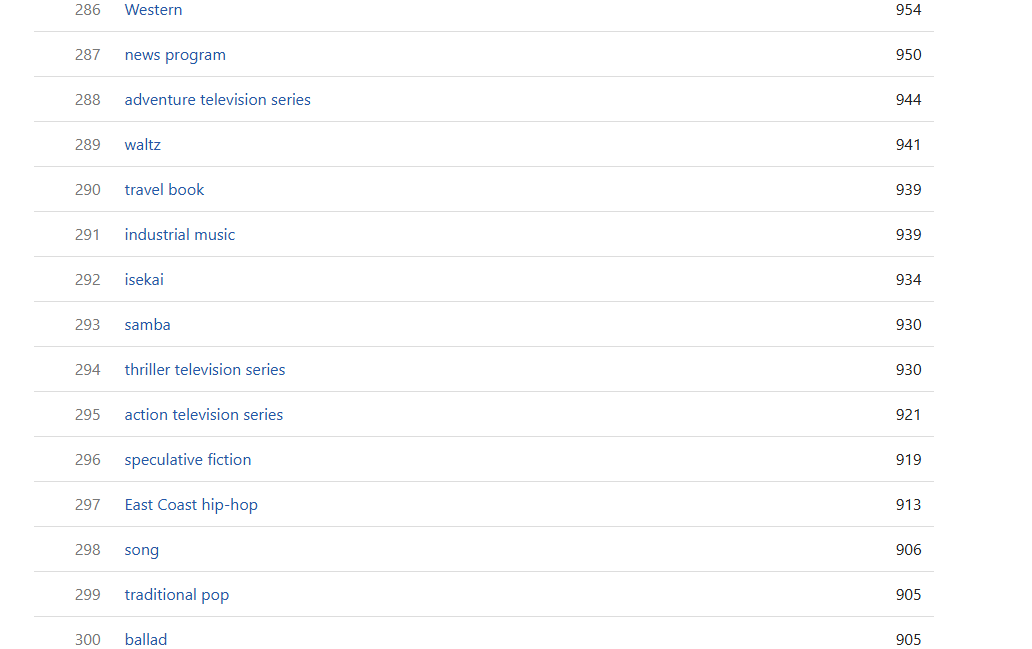
Then, I built another simple web page to display the results, sorted by this rough measure of popularity.
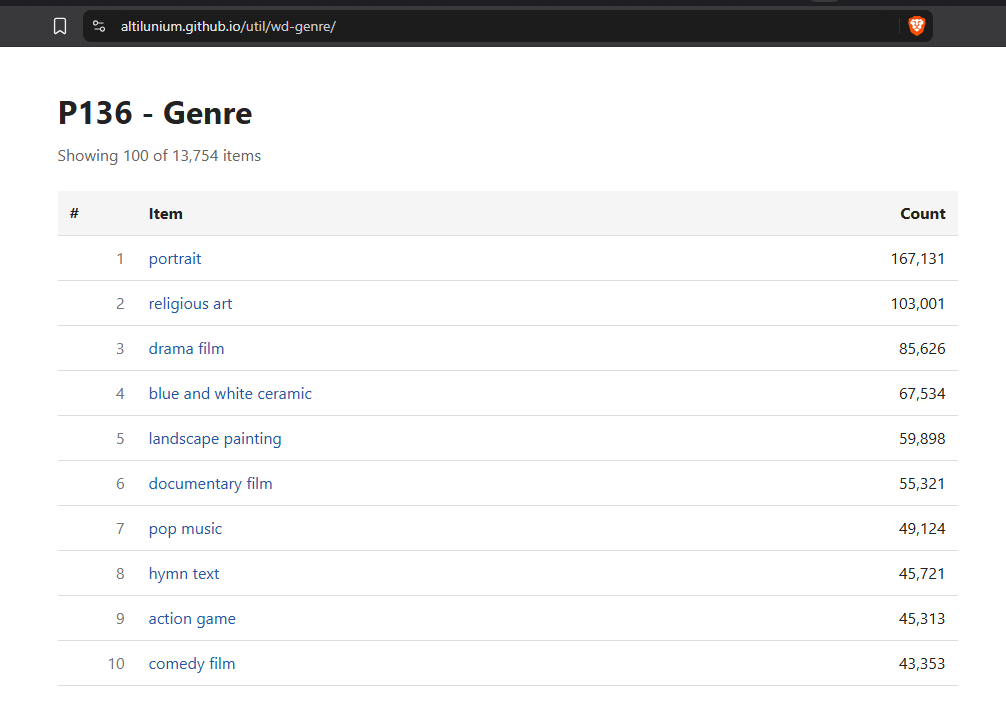
Alright, that big number is cool... But how do we actually see all those Wikidata items associated with that genre?
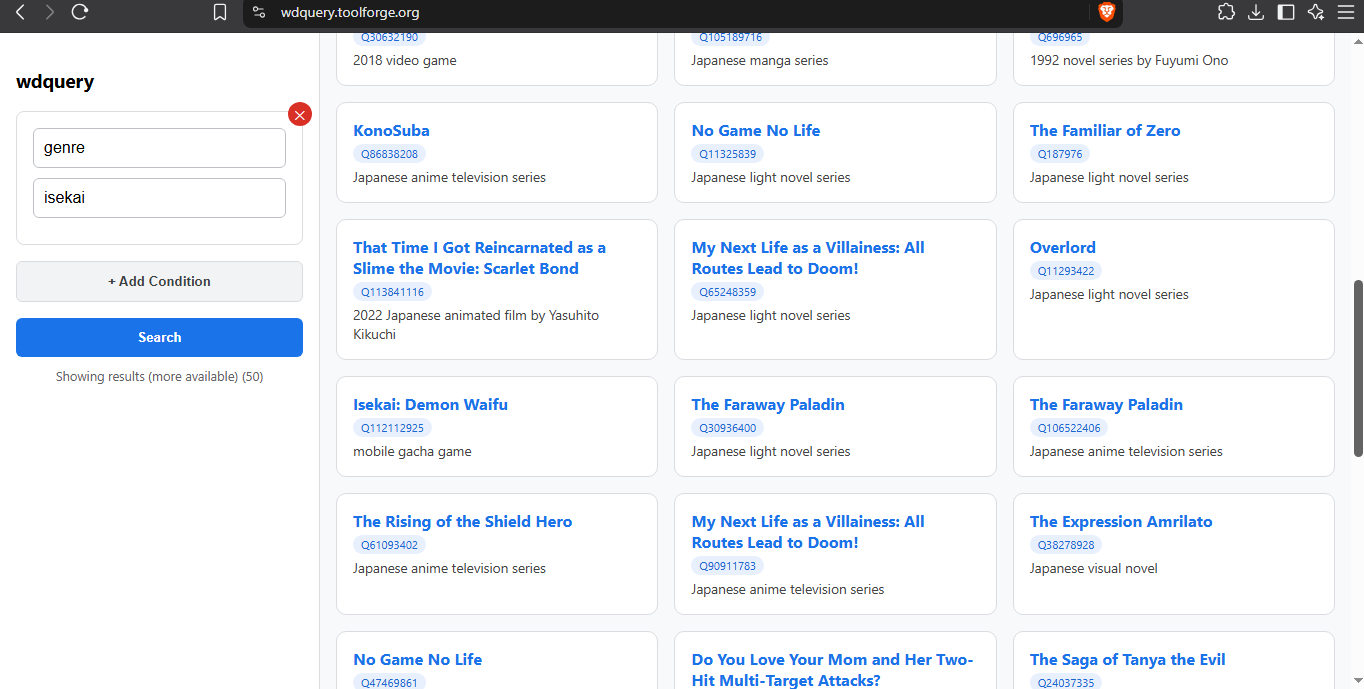
I made yet another Wikidata tool to solve this problem : https://wdquery.toolforge.org/
Well, I actually made it a long time ago, but I think it can be repurposed for this particular use case.