3D Campus Map...
3D campus map...
Today, while editing this week’s edition of WeeklyOSM, I stumbled upon this map.
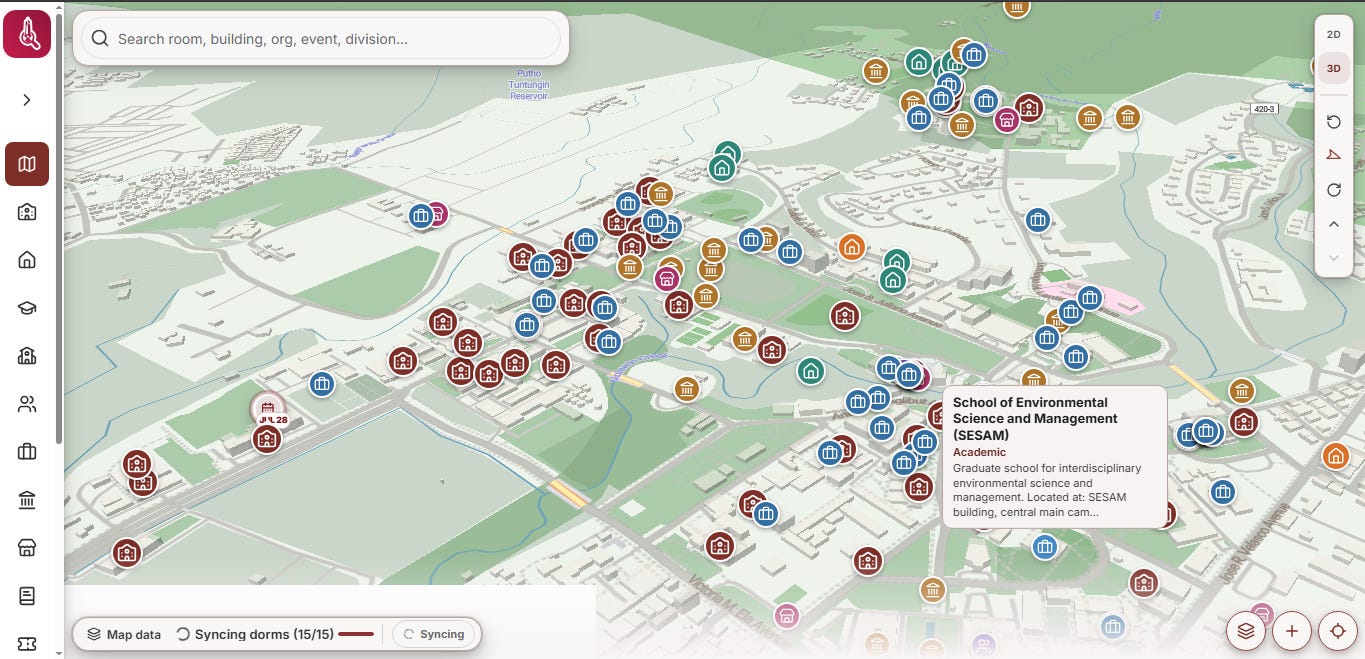
It’s a campus map.
A simple campus map with descriptions for each important POI.
But I personally think the visualization is really, really good. It’s the best one I’ve ever seen so far.
2D maps "force" you to use a north-south orientation, while this 3D map lets users virtually fly anywhere, simulating the navigation itself.
And if this 3D map is used directly in the field, users can adjust the camera so its orientation matches the direction they are facing in the real world, making navigation much easier.
I think this is really, really cool.
It really reminds me of a certain FPS game that I used to play.
I don’t remember its name, but I think it had a similar map. A fully 3D map where you could freely navigate around it, while important locations were still clearly marked so you could “fly” around the area.
The fact that this 3D map also includes building height data from OpenStreetMap makes it even more fun. It feels just like that game!
Oh, I just remembered the title. That “Spectate Mode: Free Look” camera that becomes available after you die in Counter-Strike 1.6.
So I really, really wanted to make something like this too, but for my own campus.
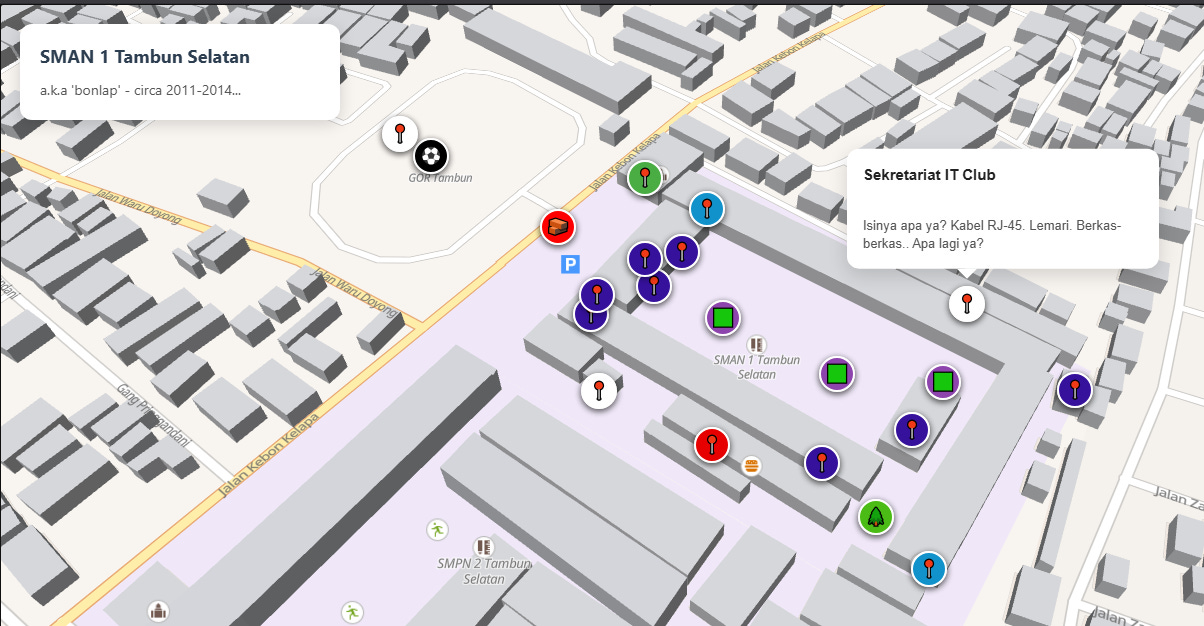
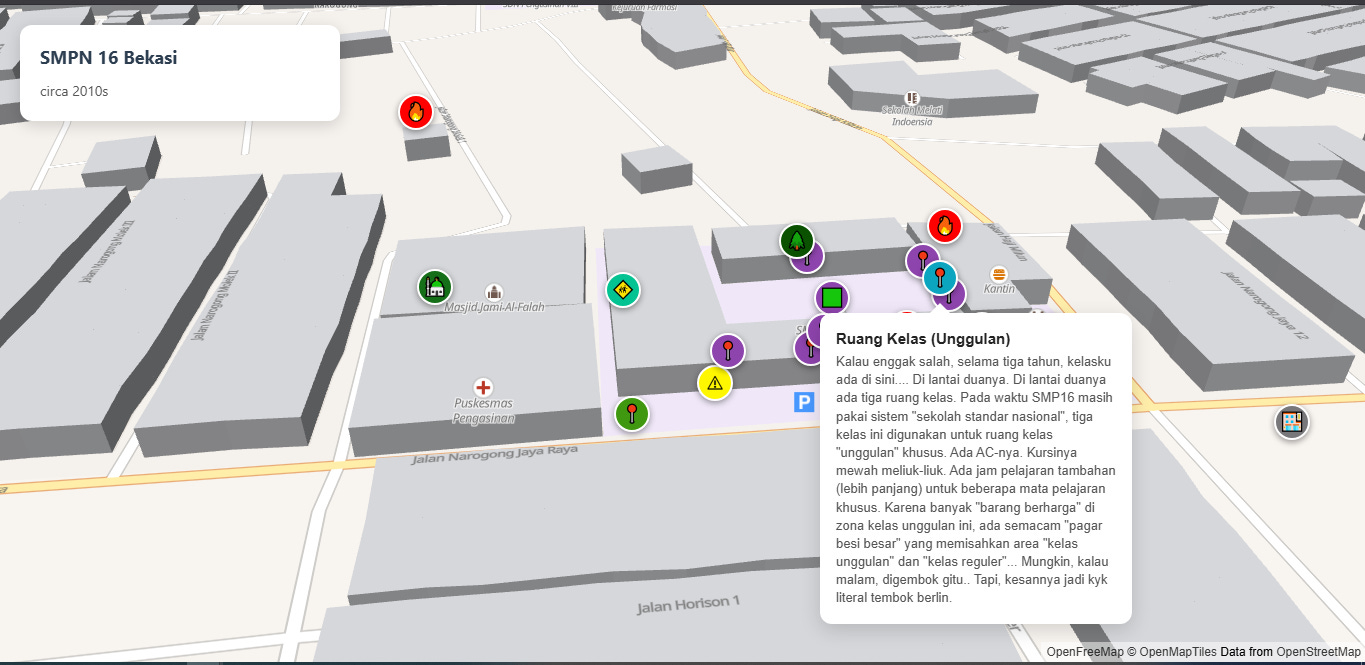
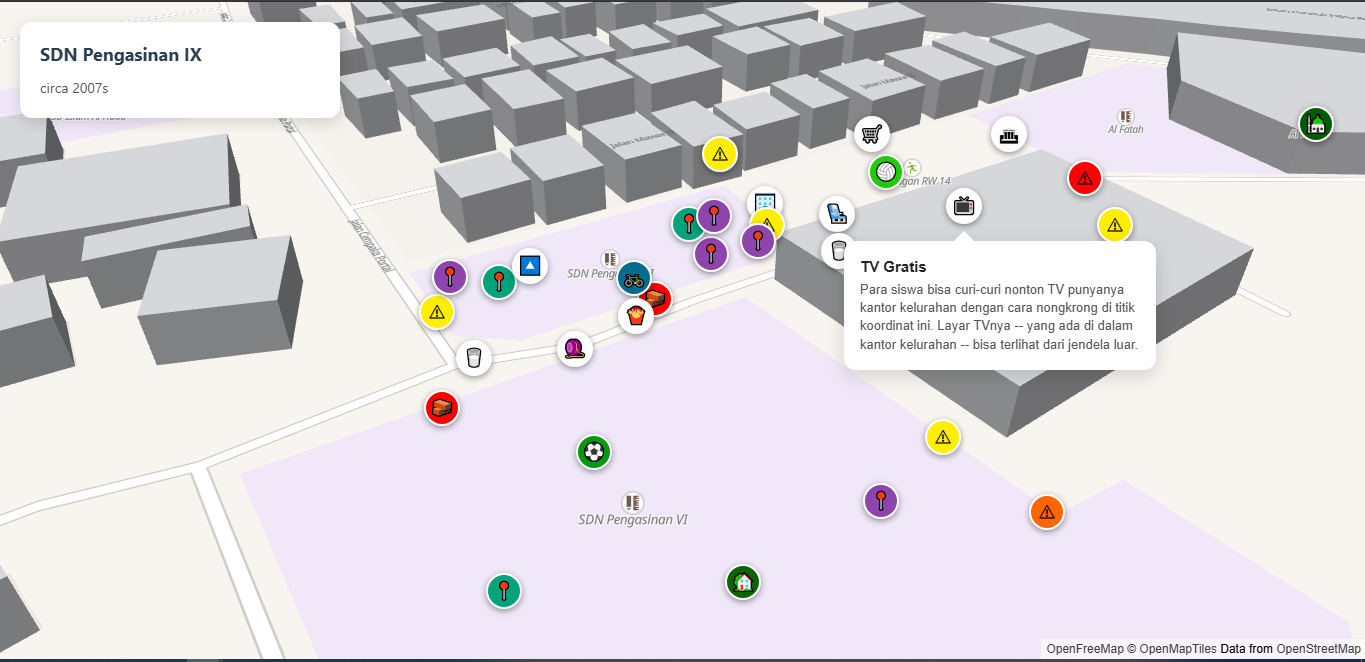
So I built this.
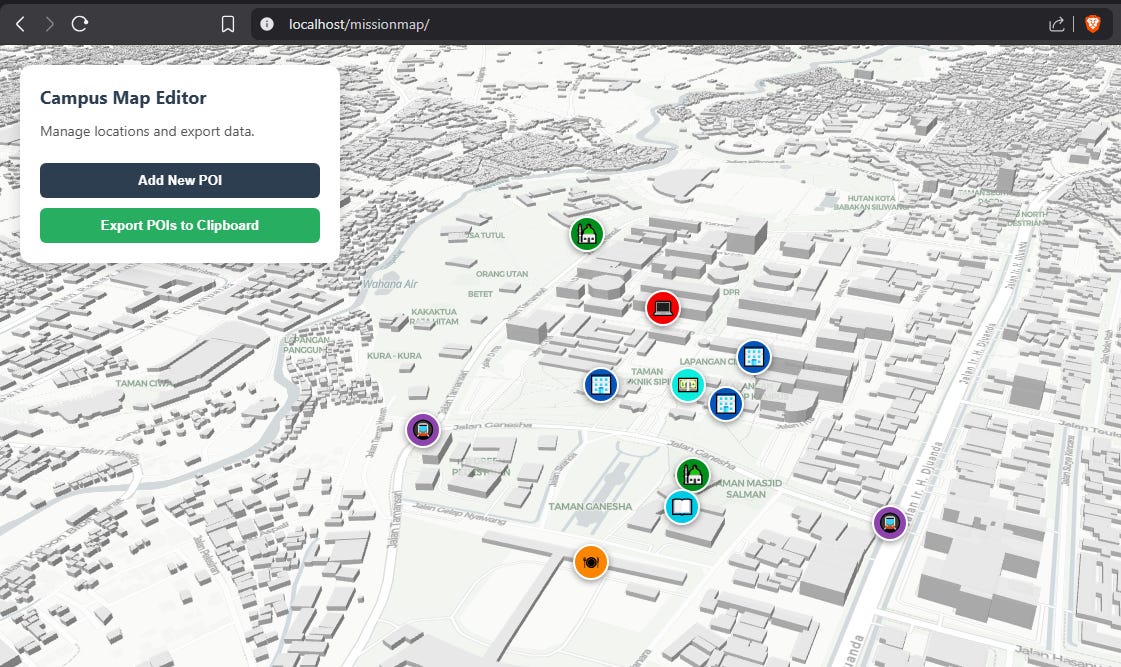
How do you use it?
If you host this index.html file on a web server, you can use it directly in your browser to add, edit, or delete POIs.
Each POI includes a title, description, category, emoji icon, and background color.
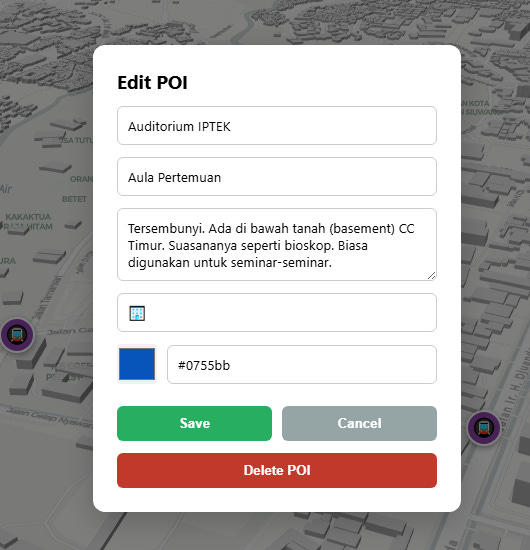
All POI data is stored locally in your browser.
After you’ve entered all the POIs you want to showcase, click the Export POIs to Clipboard button.
Then open index.html, go to line 193, and replace the const savedPOIs = [] line with the exported data (just paste it, right after clicking the Export POIs to Clipboard button)
Next, go to line 187 and change isEditMode from true to false.
You may also want to edit lines 189 and 190 to change the map title and description.
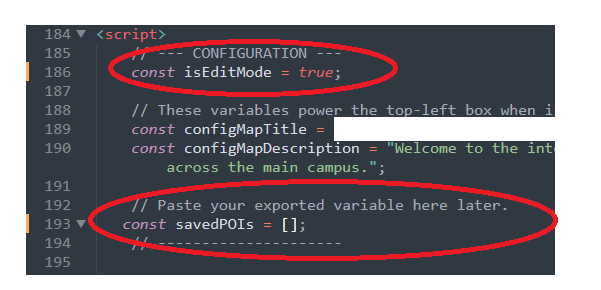
Save the file.
Now go back to your browser.
The application switches from Edit Mode to View Mode. Your interactive 3D map is now packaged as a single, read-only index.html file. Just upload it to any web server, and anyone can access it.
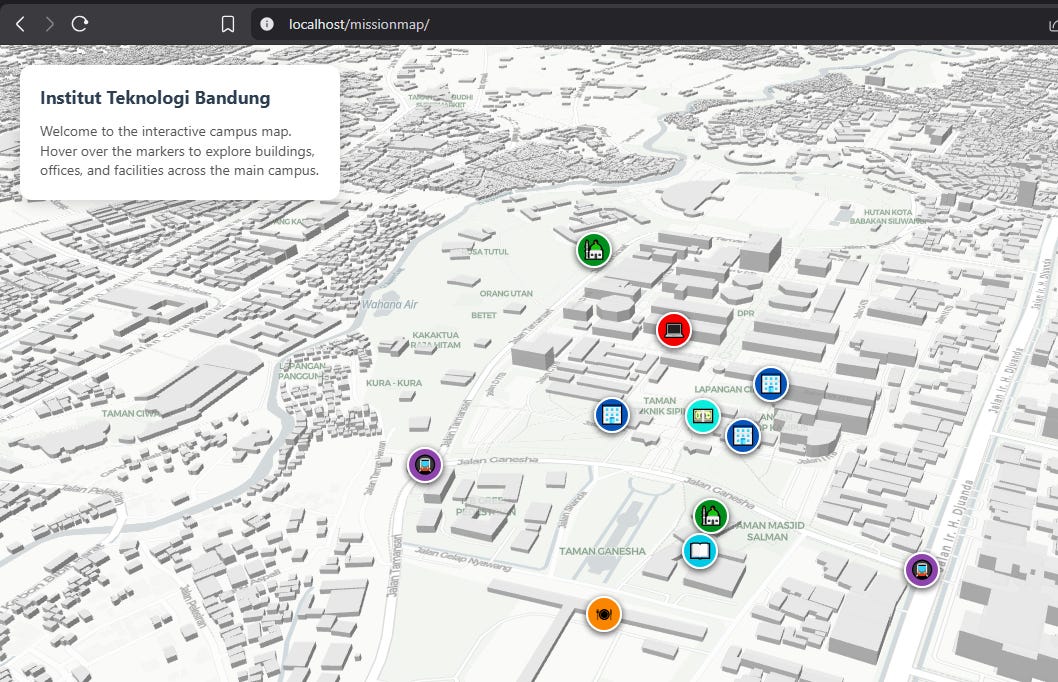
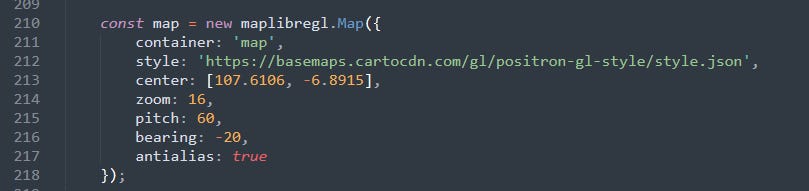
One more thing: the code is currently hardcoded to display my campus. If you want to use it for another location, simply change the initial center coordinates in the new maplibregl.Map(...) constructor.
Apparently, there isn’t much I can say about my own campus. I never actually visited every room or every building, after all, so I only added places that I used to visit frequently.
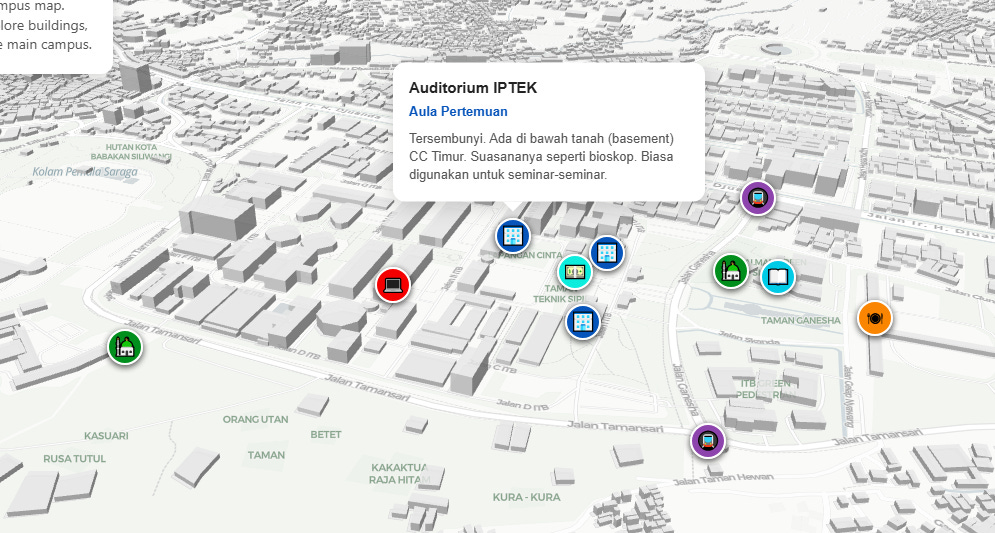
Red marks my main classrooms. Dark blue marks the seminar hall. Most of my campus life revolved around those two types of rooms.
Light blue represents either an ATM or the library. I often withdrew cash from the ATM, then spent my free time after class in the library.
Yellow marks restaurants. Green marks mosques. Purple marks the angkot stop that I frequently used to get back to my boarding house.
Update:
I switched the basemap to OpenFreeMap Bright because I like the colors more...
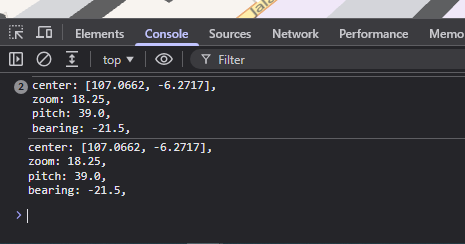
And, just in case you need a different “starting camera position,” check the console log. Use those values to modify the starting
center,zoom,pitch, andbearingin themaplibregl.Mapconstructor.
And I also made several maps…. For testing purposes..