
Georeferencing Weather Radar Data in QGIS
This morning I woke to noticeably low ambient temperature and reduced daylight, both outside normal conditions. A quick check of my phone showed multiple reports in a local community forum describing intense rainfall and flooding across Jakarta. Several inbound flights were also reported to have been diverted due to severe weather. It was clear that a significant weather event had occurred overnight.
After reading the flood reports, I posted in the same forum noting that for the past four days I had been unable to access radar weather data. Collecting and correlating rainfall events with radar imagery is a personal side activity of mine. Under normal conditions, I log both the observation time and the corresponding radar data. Over the last four days, however, I could only record timestamps due to the data outage.
Shortly after posting, another user replied, indicating that they had the missing data and offering to share it privately. I contacted them immediately and received a response several minutes later. They provided a sequence of radar weather images covering the Jakarta area from the previous night through the morning, captured at regular intervals and stored in PNG format.
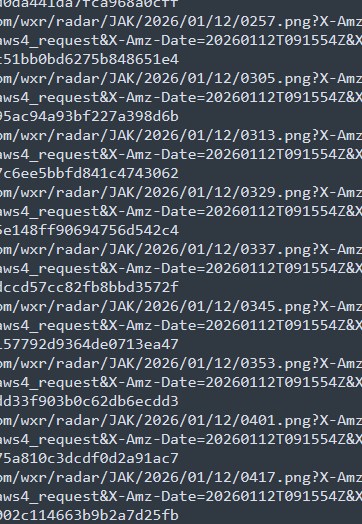
They also supplied corner coordinates for georeferencing: top-left at (-3.9237287198122797, 104.39898771981228) and bottom-right at (-8.418959280187721, 108.89421828018772).
To overlay these images on an OpenStreetMap basemap, I consulted ChatGPT for a QGIS-based workflow and proceeded as follows.
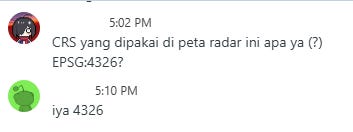
I launched QGIS and set the project Coordinate Reference System to EPSG:4326 to match the latitude–longitude coordinate system of the provided metadata.
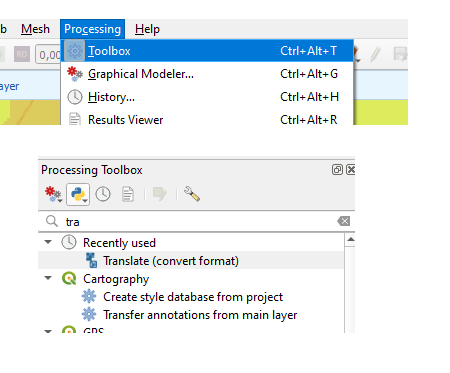
Using the Processing Toolbox, I selected GDAL’s Translate (convert format) tool and loaded the PNG file as the input layer.
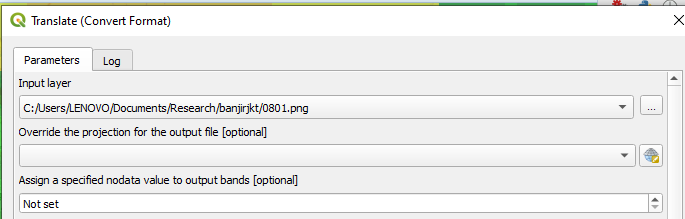
In the “Additional command-line parameters” field, I specified the image extent explicitly:
-a_ullr 104.39898771981228 -3.9237287198122797 108.89421828018772 -8.418959280187721
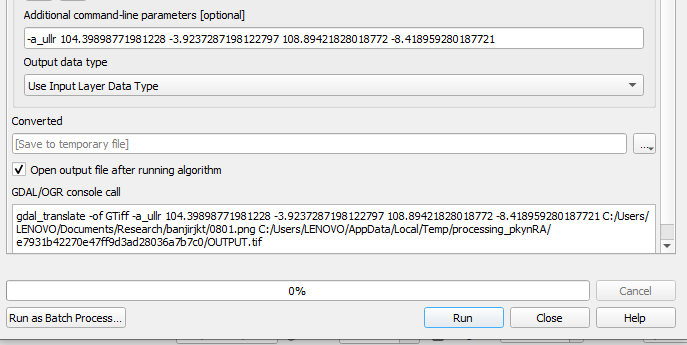
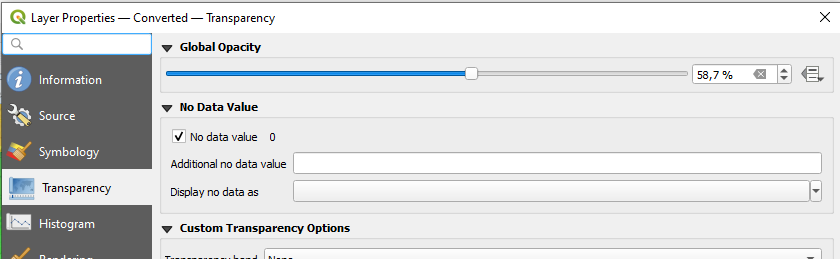
This operation assigned georeferencing information to the raster without resampling. After loading the resulting layer, I adjusted its transparency via the layer properties to ensure the radar data remained visible while preserving the underlying basemap context.
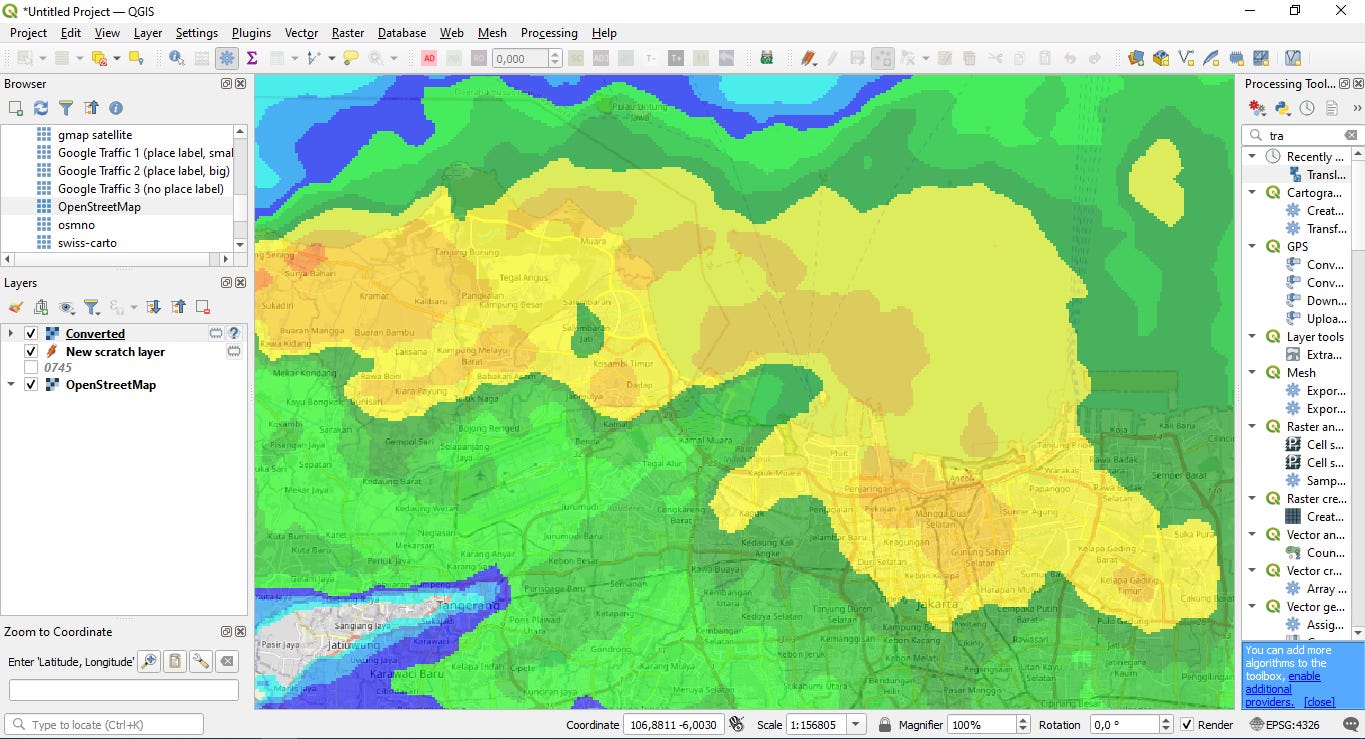
With these steps completed, the radar imagery was correctly georeferenced and overlaid on the map.
Cont. https://www.openstreetmap.org/user/rphyrin/diary/408086